Browse
Customers view participating restaurants and the products currently offered in the customer app.
Food delivery built for Sulu
LalaGO connects customers with local restaurants and delivery riders. Use the app to browse live menus, choose a delivery address, place an order, pay with an available method, and follow the order through delivery.
Order directly in your browser or install the LalaGO customer app from Google Play or the Apple App Store.
 How it works?
What LalaGO does
Restaurant availability, menu items, prices in Philippine pesos (PHP), delivery fees, and payment options are shown in the ordering app before an order is confirmed.
Customers view participating restaurants and the products currently offered in the customer app.
The app shows the selected items, delivery details, discounts, fees, and total before order submission.
Restaurants prepare accepted orders and authorized riders deliver them to the confirmed address.
For customers
The customer ordering website and Google Play app are LalaGO’s live catalog and checkout. Products, services, delivery fees, and all prices are displayed in Philippine pesos (PHP). Prices and availability can change by restaurant.
Browse products and prices in PHP →Browse participating restaurants
Review item prices and delivery fees
Choose an available payment method
Track order progress
Contact support for order concerns
For restaurant owners
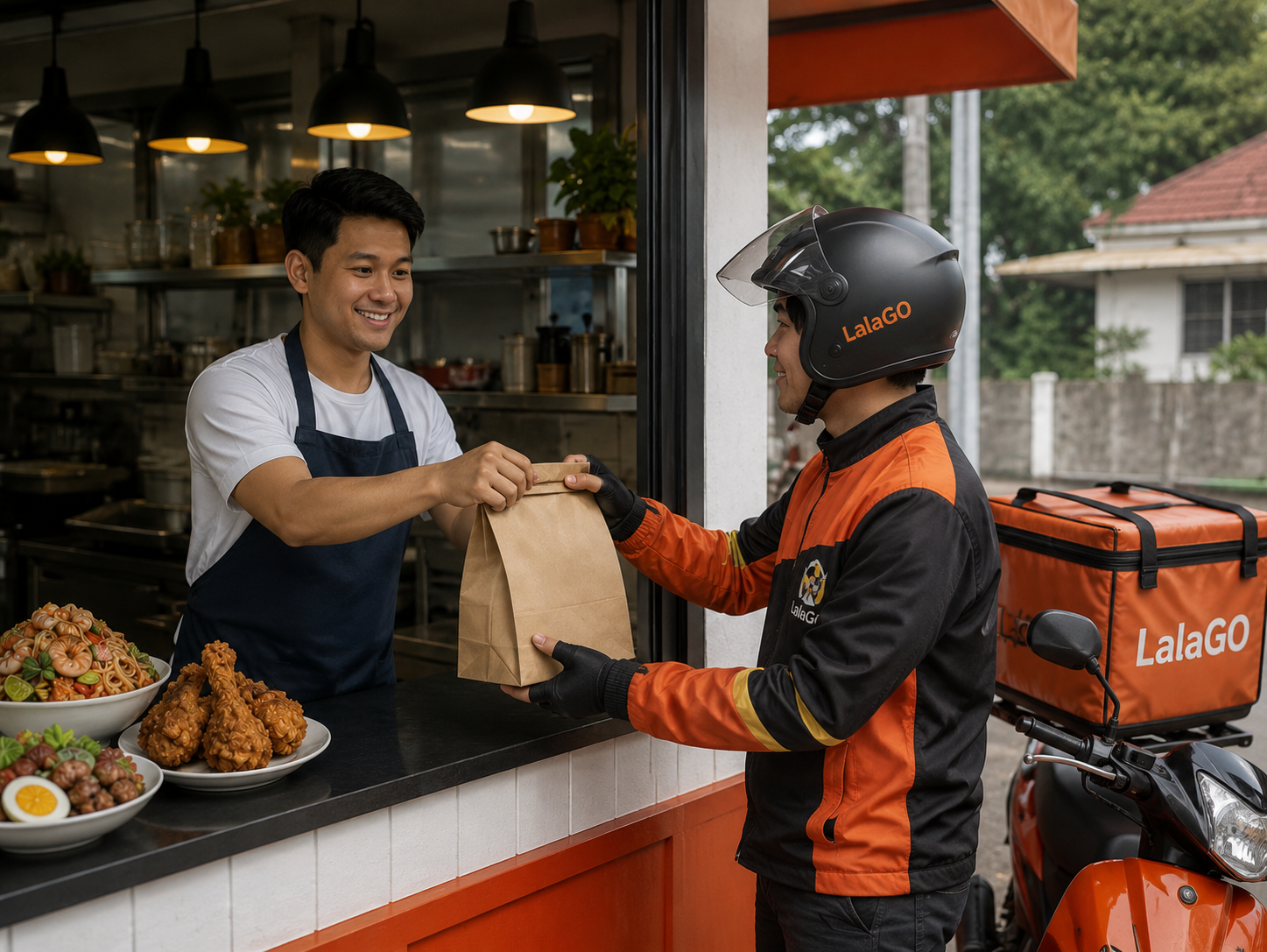
Create one partner account, prepare your business documents, hours, and menu, then submit the same application used by the LalaGO Restaurant app.
Clear policies
Need help?
For order, payment, account, restaurant, or rider concerns, contact the registered operator.